What is a Content Management System (CMS)?
A CMS lets you publish and update website content without editing code by hand. Learn what it does and which options fit small businesses in 2026.
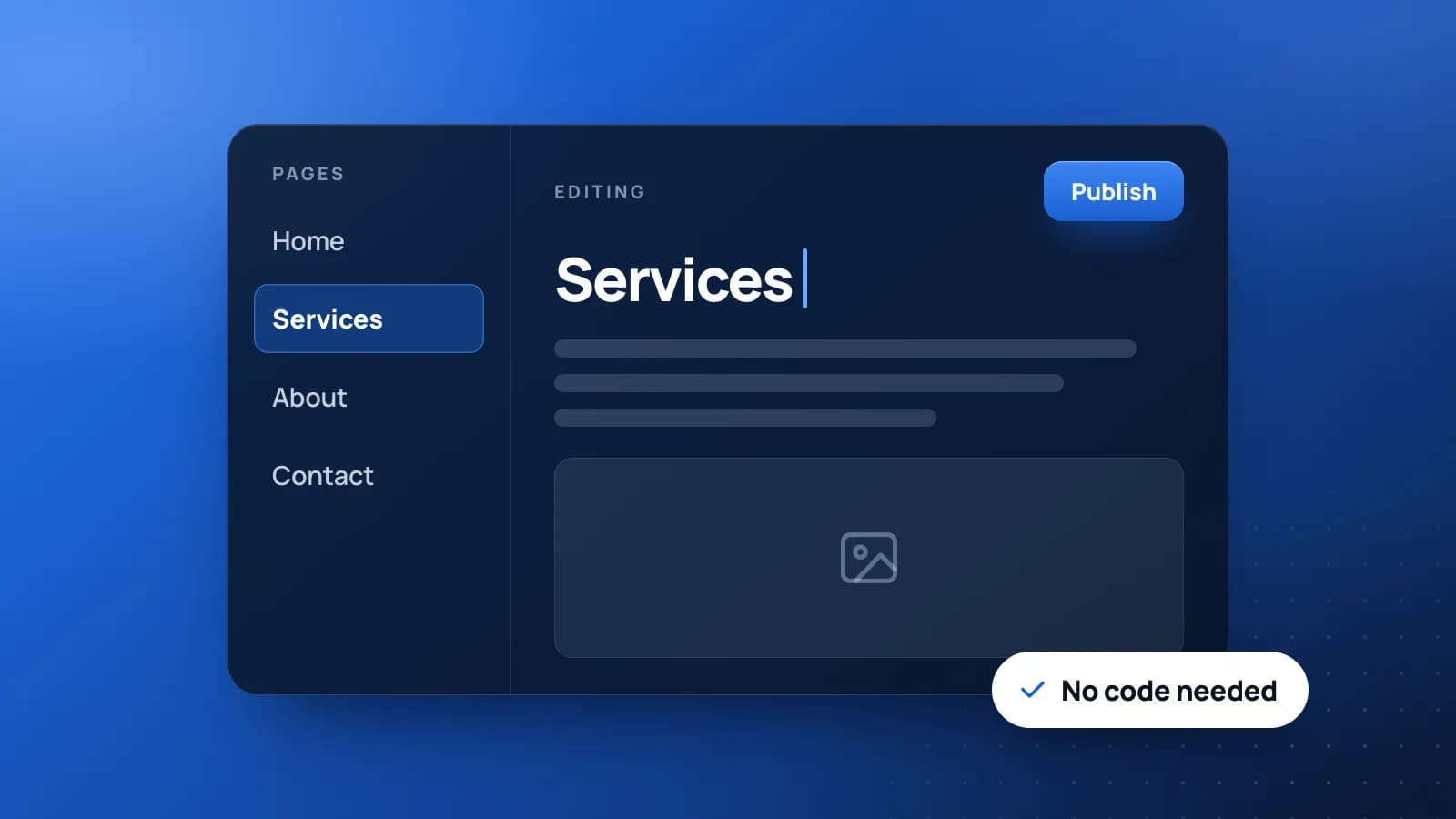
A content management system (CMS) is software that lets you create, edit, and publish website content through a human-friendly interface instead of editing raw code for every change. You log in, update a page or post, and the system handles the underlying markup that visitors see.
For example, adding a blog post usually means typing in an editor, choosing a featured image, and hitting publish. The CMS stores the content, applies your theme or templates, and serves the page to the world.
What a CMS Typically Includes
- Content creation: editors for pages, posts, products, and media
- Content storage: a database or content API that keeps everything consistent
- Roles and workflow: authors, editors, and admins with different permissions
- Publishing: drafts, schedules, and live updates
- Extensibility: themes, plugins, or custom fields for forms, SEO, and commerce
Common CMS Choices in 2026
Small businesses usually land in one of these buckets:
- WordPress: flexible and widely supported, often with WooCommerce for stores
- Hosted site builders: Squarespace, Wix, and similar tools for simpler brochure sites
- Commerce platforms: Shopify when selling products is the main job
- Modern custom stacks: frameworks like Next.js with a headless CMS when performance, design control, or integrations matter more than a plugin marketplace
A major advantage of any good CMS is collaboration. Multiple people can update content from a browser without asking a developer to redeploy the whole site for a copy change. The right choice depends on your editing needs, design standards, SEO goals, and whether you sell online.
Need help picking or setting up a CMS? Contact BaseLynk and we will match the stack to the business.