Unlocking Growth with Google Business Profile for Small Businesses
Claim, optimize, and manage your Google Business Profile so local customers can find you on Search and Maps. BaseLynk helps small businesses stay visible.
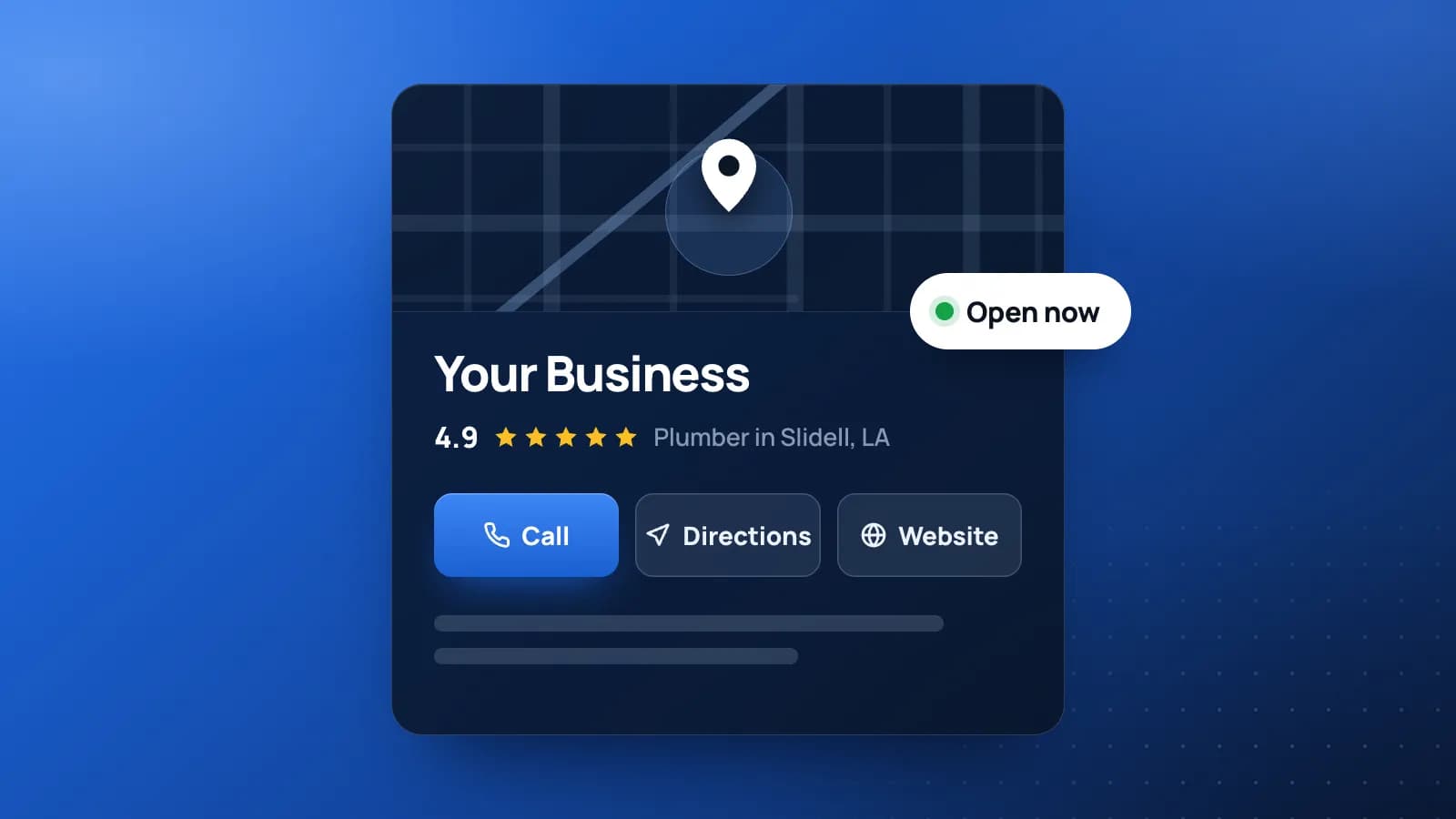
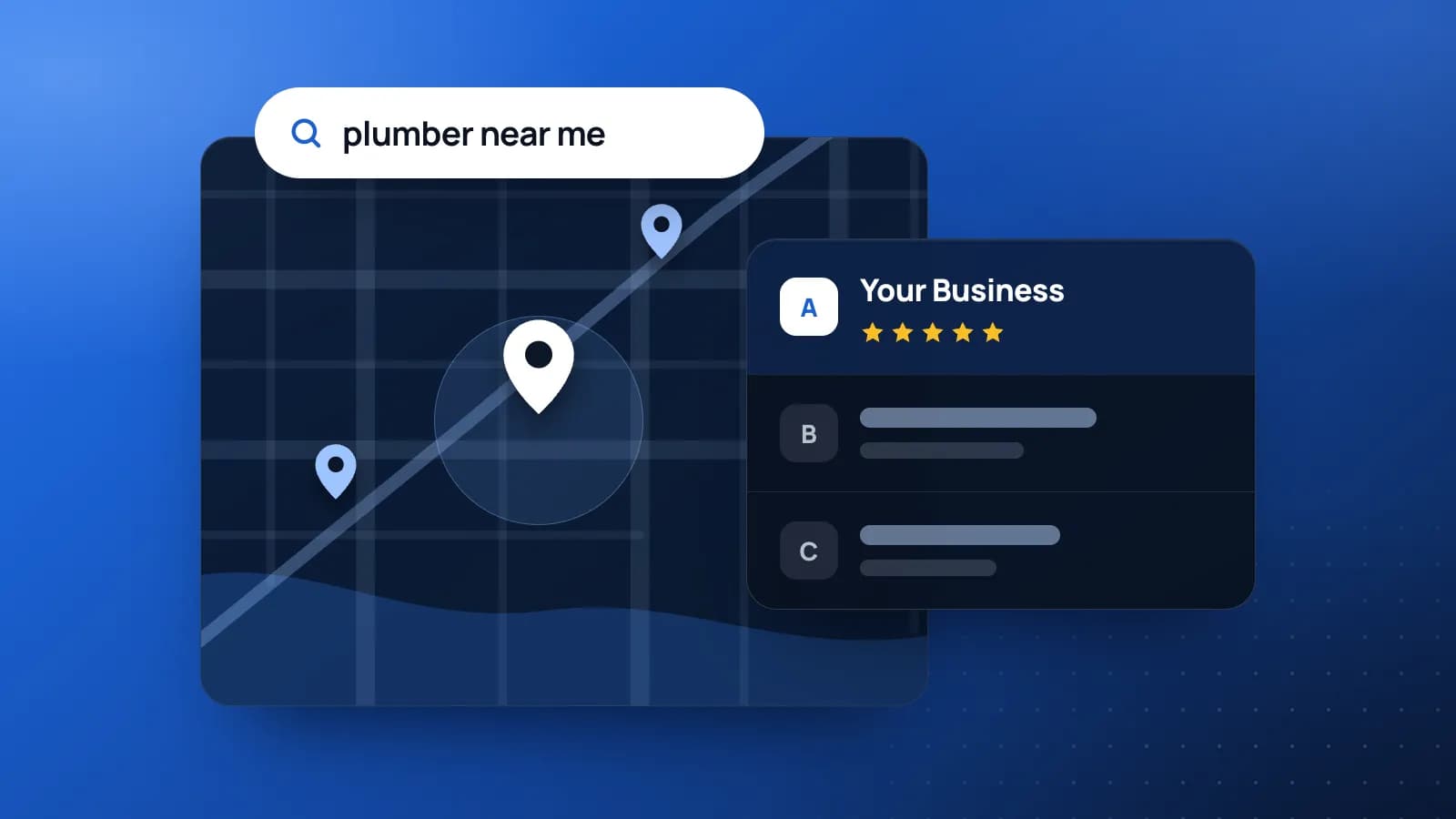
For local businesses, Google Business Profile (formerly Google My Business) is still one of the highest-leverage free tools you can use. It is the listing customers see in Google Search and Maps when they look for a plumber near them, a lunch spot, or a salon. If you do not know where to start, BaseLynk can help.
Why Google Business Profile Matters in 2026
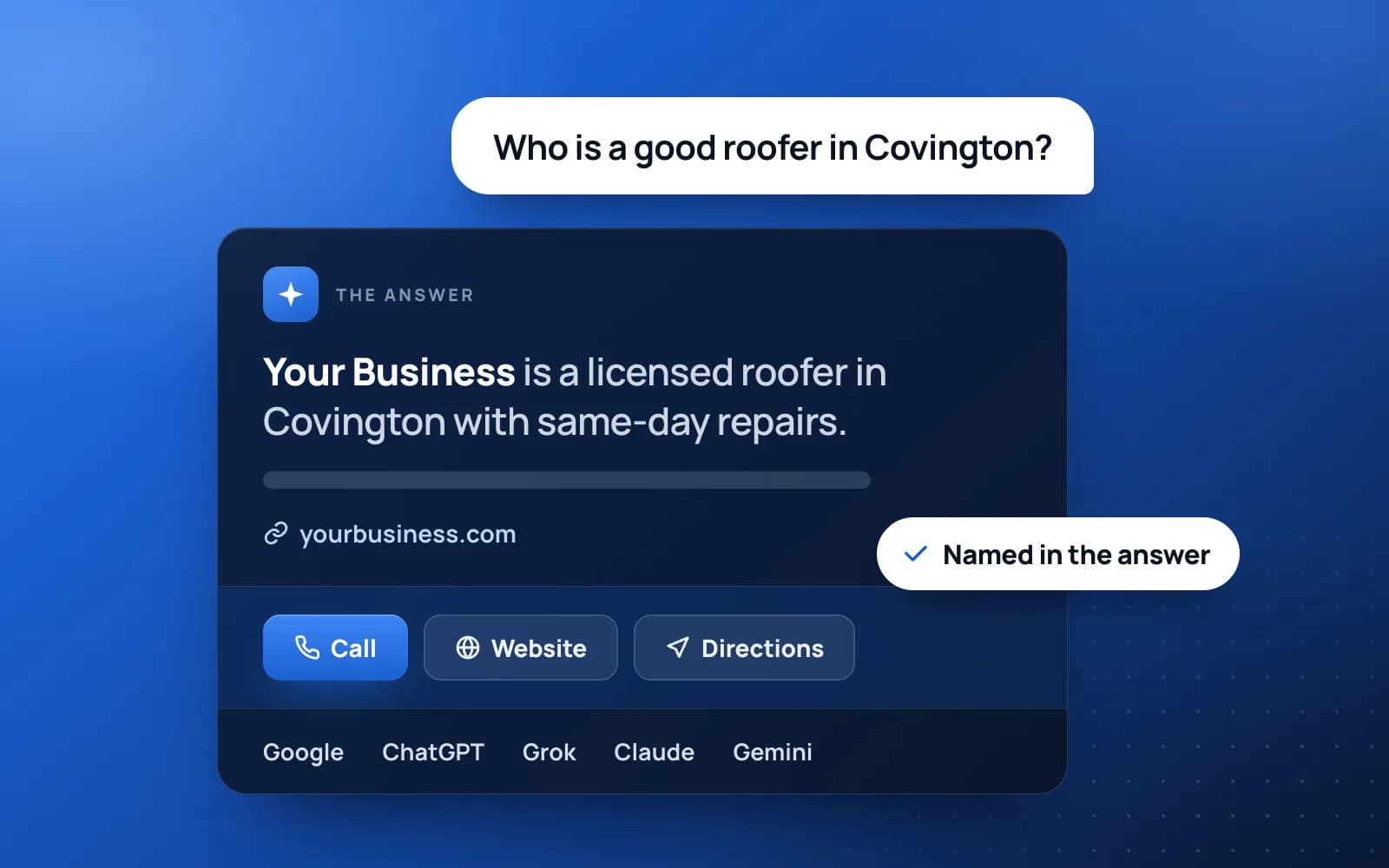
Most people still start local discovery on Google. Recent consumer research shows about two-thirds of shoppers begin with Google when looking for a local business, and many then check the business website to verify what they saw on the profile, social media, or an AI answer. Your Business Profile is often that first impression: hours, phone, directions, photos, services, and reviews in one place.
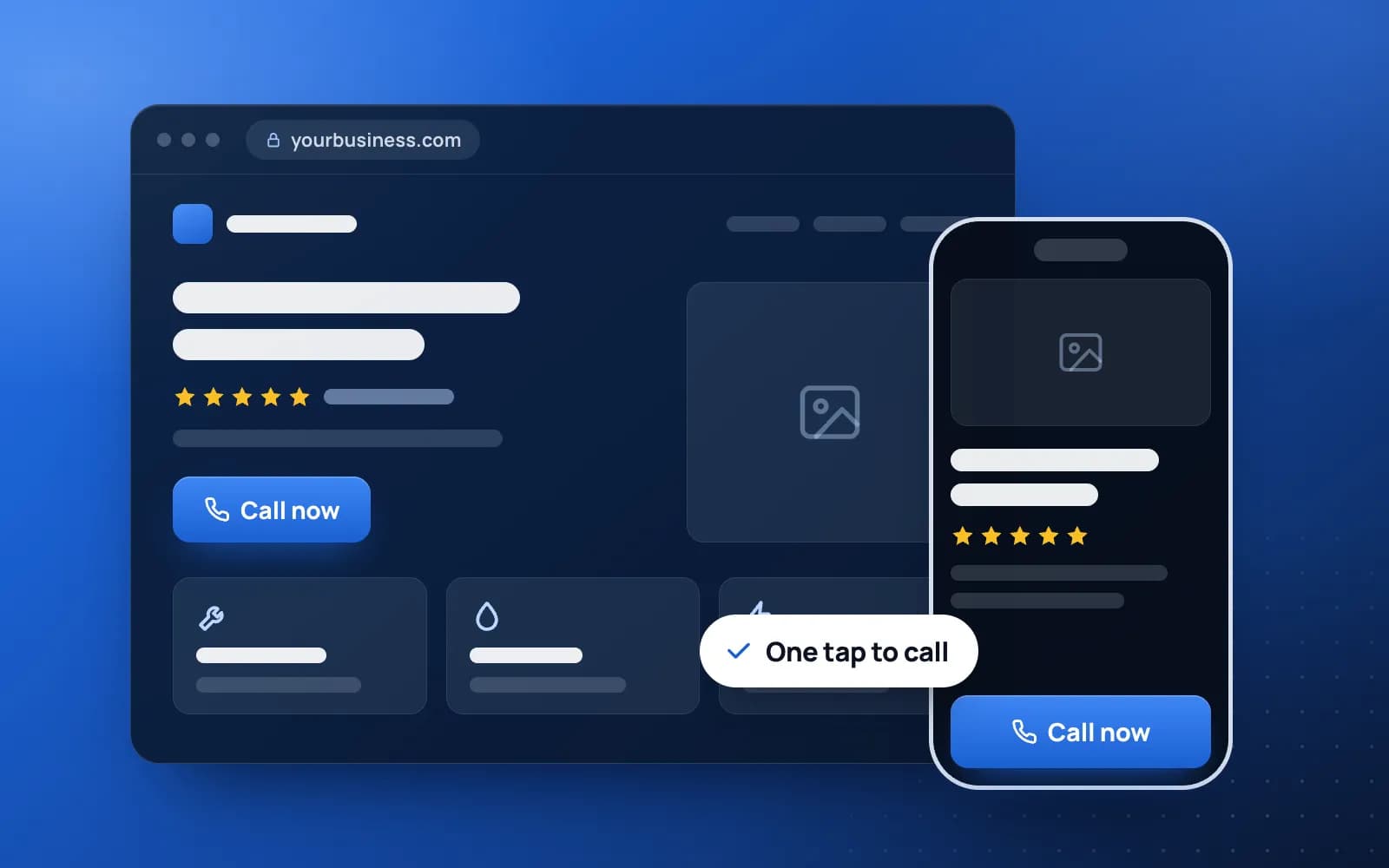
A complete, accurate profile helps you show up in the local map pack, answer questions, post updates, and earn trust before anyone reaches your site. It does not replace a website. It works with one. Customers regularly leave Google or AI results to confirm details on your site before they call or book.
How to Claim or Create Your Profile
- Go to Google Business Profile and sign in with the Google account that should own the listing.
- Search for your business name and address to see if a profile already exists.
- If it does, choose Claim this business (or the equivalent ownership prompt) and finish verification by phone, postcard, email, or video, depending on what Google offers.
- If nothing exists, create a new profile and fill in your category, service area or storefront address, hours, phone, website, and description.
Profile Optimization Checklist
- Exact NAP match: Name, address, and phone should match your website footer and major directories.
- Primary category first: Pick the category that best describes what customers search for, then add secondary categories only if they are accurate.
- Services and products: List what you actually sell so Google can match intent.
- Photos that look current: Storefront, team, work in progress, and finished jobs beat stock photos.
- Reviews: Ask happy customers to leave reviews and reply to every review, good or bad.
- Posts and Q&A: Share offers, hours changes, and FAQs so the profile stays fresh.
- Website link: Point to your main HTTPS site, not only a social page.
How BaseLynk Helps
Managing a profile week after week is easy to drop when you are busy serving customers. BaseLynk handles setup, cleanup, ongoing posts, review monitoring, and reporting so the listing stays accurate and useful.
- Claim, verify, and clean up duplicate or incomplete listings
- Category, service, and description optimization for local search
- Photo and post cadence that keeps the profile active
- Review response workflows
- Reporting tied to calls, direction requests, and site visits
Ready to turn Google Search and Maps into a steady lead source? Contact BaseLynk and we will get your Google Business Profile working for you.