Google Workspace for Small Business (2026): Pricing, Plans & 10% Off
Google Workspace pricing for Business Starter, Standard, and Plus in 2026, how to choose a plan, and how to get 10% off your first year with our referral link or promo codes.
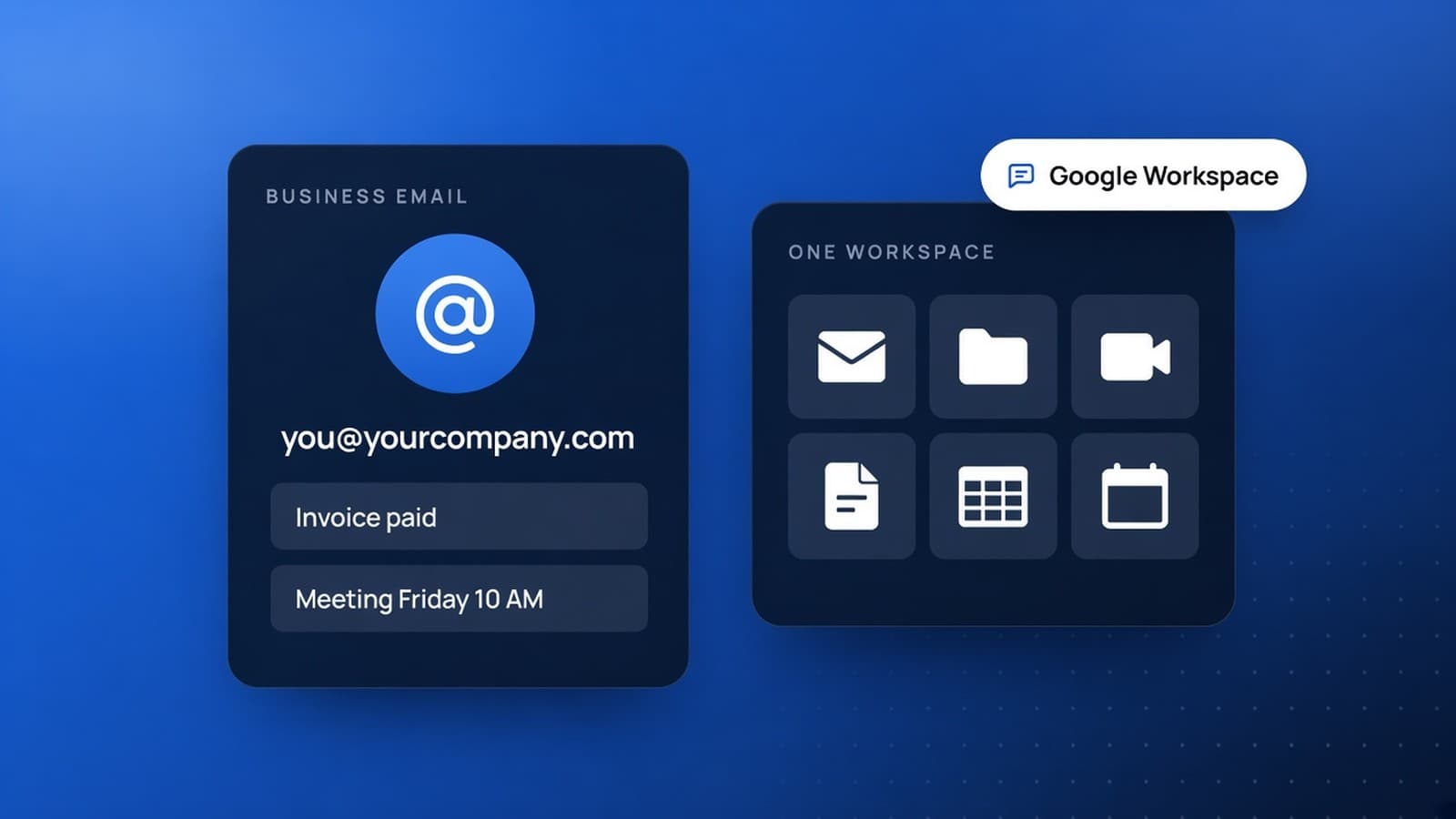
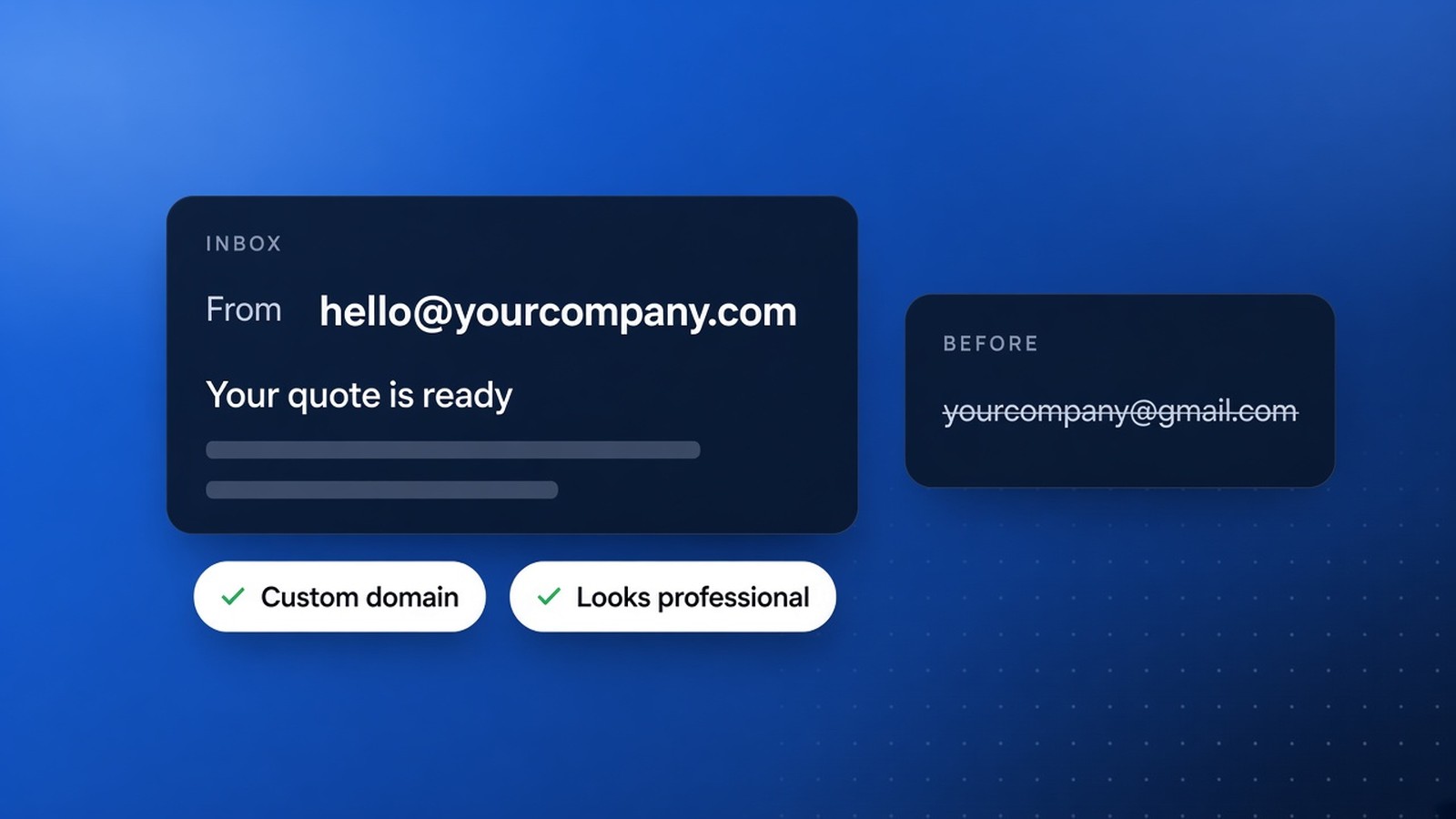
If you still send invoices from a free @gmail.com address, you are leaving trust (and deals) on the table. Google Workspace gives your business a custom email like you@yourcompany.com, shared Drive storage, Meet video calls, Calendar, Docs, Sheets, Slides, Chat, and Gemini AI in one admin-managed suite. For most owners, that is the difference between looking like a side hustle and looking like a company customers can pay with confidence.
In this guide we break down Google Workspace pricing for Business Starter, Business Standard, and Business Plus, what each plan is best for, and how to claim 10% off your first year with our referral tools.
Start Google Workspace with 10% off (referral link)
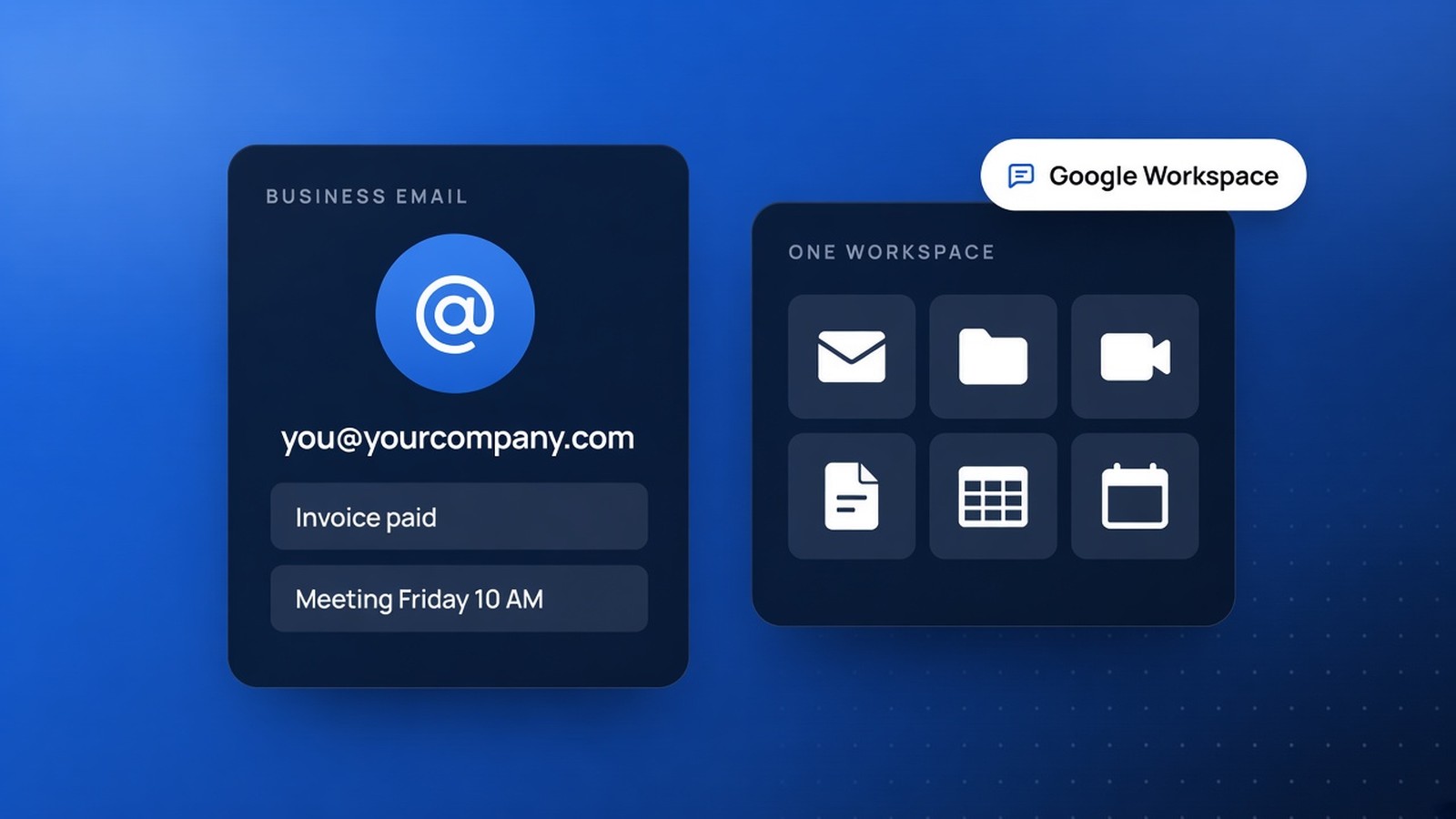
What Is Google Workspace?
Google Workspace (formerly G Suite) is Google’s paid business productivity platform. You keep the familiar Gmail, Drive, Meet, and Docs experience, but you get business-grade email on your domain, admin controls, stronger security, pooled storage, 24/7 support, and a 99.9% uptime SLA on business email.
Core apps most small businesses use every day:
- Gmail: Custom business email (
you@your-company.com), spam and phishing protection, Gemini drafting help - Drive: Cloud file storage with sharing permissions and (on Standard+) shared drives
- Meet: Video meetings with screen share, dial-in options, and plan-based recording limits
- Calendar: Shared calendars, booking pages (Standard+), and meeting links that just work
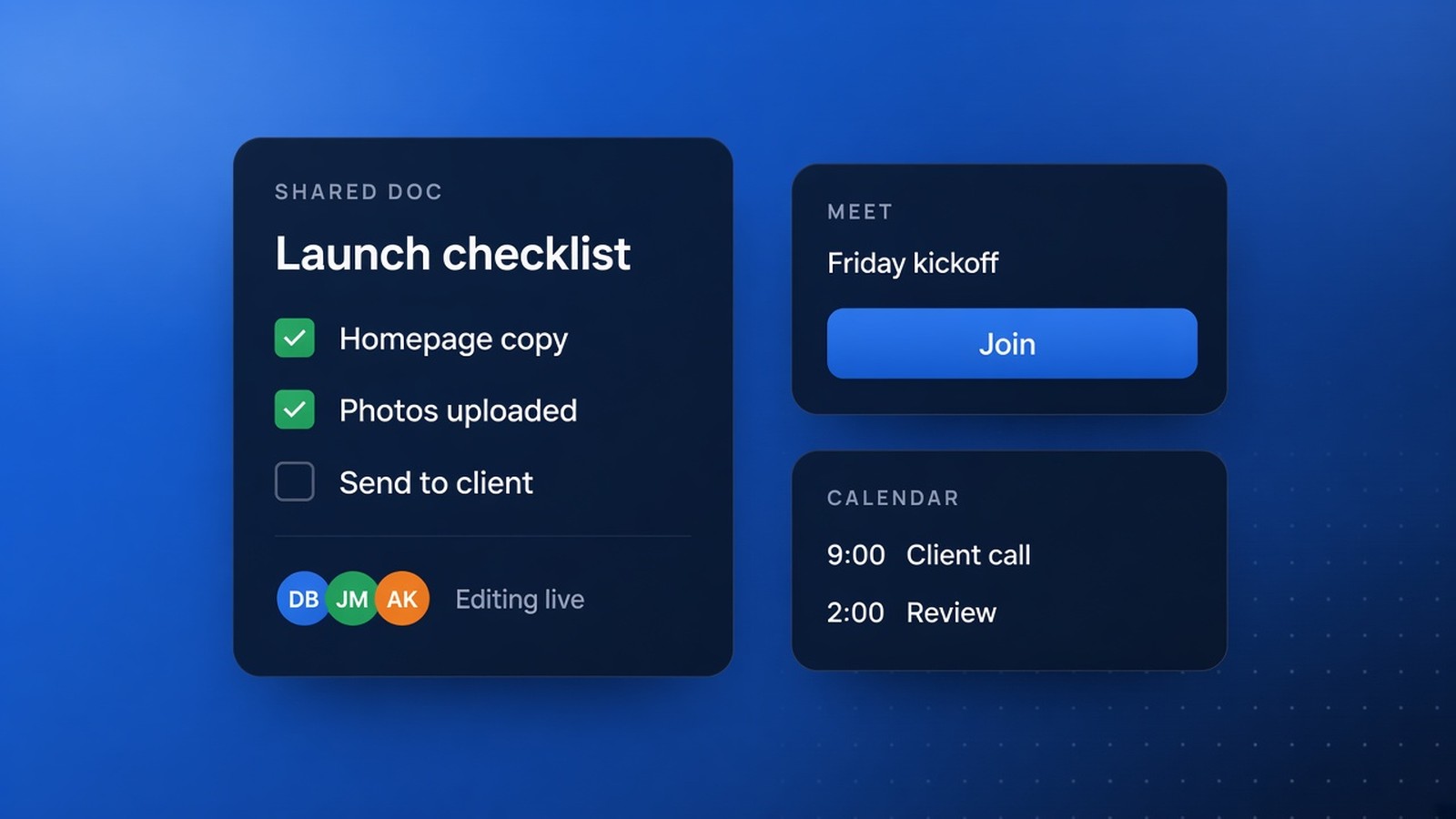
- Docs, Sheets, Slides, Vids: Real-time co-editing instead of emailing file versions back and forth
- Chat and Gemini: Team messaging plus AI assistance inside Workspace apps
Why Business Owners Switch to Google Workspace
Owners usually search for Google Workspace when one of these moments hits:
- Customers hesitate because the quote came from a personal Gmail address
- Files live on one person’s laptop and vanish when that person is out sick
- Meetings need recording, noise cancellation, or more than a free Meet limit can handle
- The team needs one place for email, docs, and calendars instead of five disconnected tools
- Someone asked for eSignatures, shared drives, Vault retention, or stronger device controls
Google Workspace solves those problems without forcing your team onto unfamiliar software. Most people already know Gmail and Docs. You are buying the business layer: domain email, admin, storage, security, and support.
Google Workspace Pricing (2026)
U.S. list prices for Business editions (per user, per month, before tax), based on Google’s current help center:
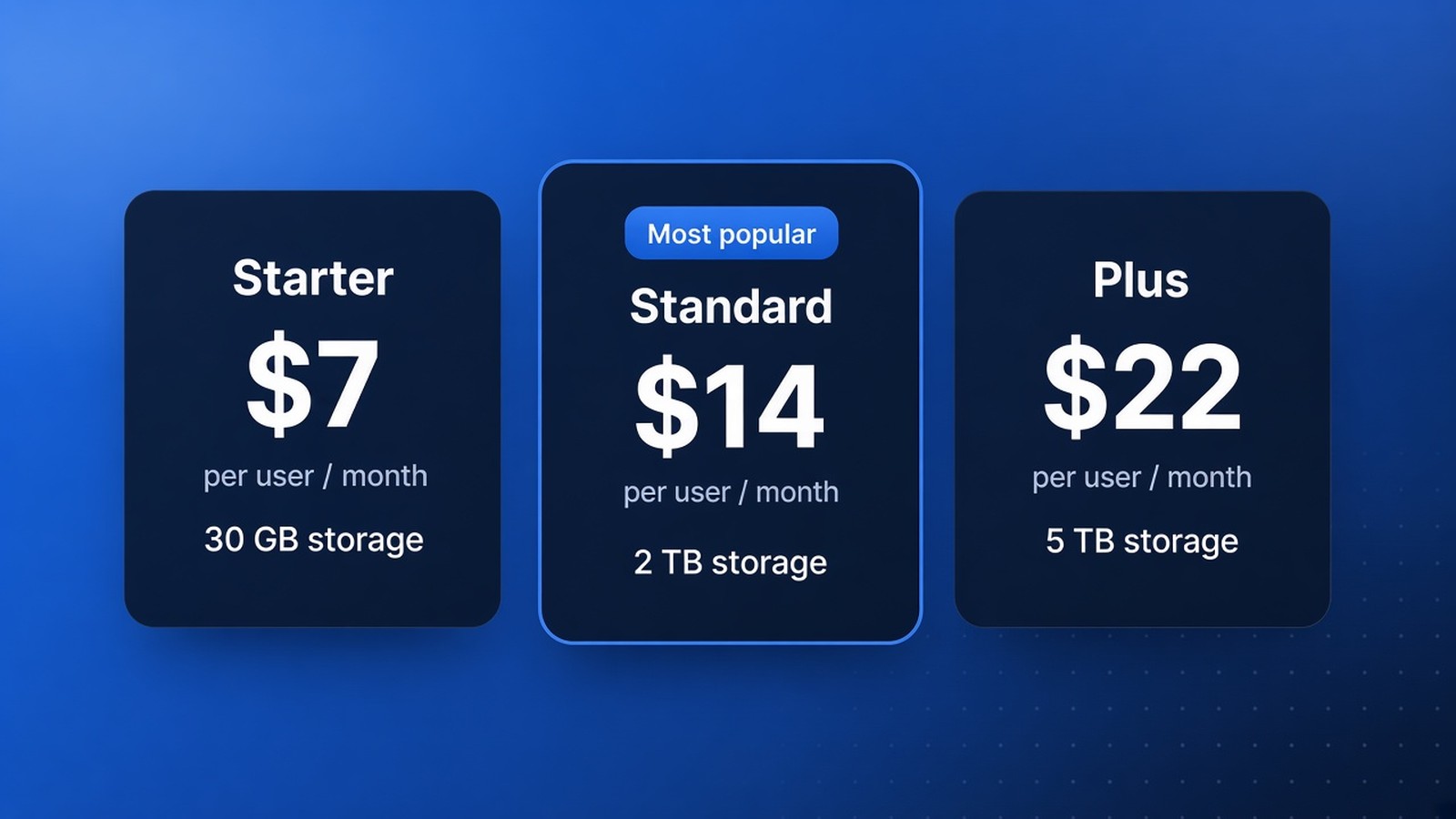
- Business Starter: $7 annual / fixed-term, or $8.40 flexible monthly
- Business Standard: $14 annual / fixed-term, or $16.80 flexible monthly
- Business Plus: $22 annual / fixed-term, or $26.40 flexible monthly
Business editions support up to 300 users. Larger orgs move to Enterprise (quoted pricing). Google also offers a 14-day free trial so you can test before you commit.
Annual vs flexible: Annual/fixed-term is about 16% cheaper. Flexible costs more per seat but lets you add or remove users month to month with no yearly seat commitment. Pick annual if your headcount is stable. Pick flexible if contractors or seasonal staff come and go.
Business Starter vs Standard vs Plus
Business Starter: Best entry plan for solo owners and tiny teams
Best for: Freelancers, solopreneurs, and 1–5 person shops that mainly need professional email and light collaboration.
- 30 GB pooled storage per user
- Custom business email + Gemini in Gmail
- Meet up to 100 participants
- Docs, Sheets, Slides, Calendar, Chat, Admin console
Starter is enough when your main win is hello@yourbrand.com and a shared calendar. If you store lots of photos, video, or client folders, you will outgrow 30 GB quickly.
Business Standard: Best default for most growing businesses
Best for: Most small businesses that create docs, run meetings, and need real file storage.
- 2 TB pooled storage per user
- Shared drives (files stay with the company when someone leaves)
- Gemini in Gmail, Docs, Meet, and more
- Meet up to 150 participants, with recording, noise cancellation, breakout rooms, polls, and Q&A
- eSignature in Docs/PDFs, appointment booking pages, stronger Docs workflow tools
If you are unsure which plan to buy, start here. The jump from 30 GB to 2 TB, plus shared drives and meeting recordings, is what most teams actually use.
Business Plus: Best for security, retention, and larger meetings
Best for: Companies that need Vault, eDiscovery, stronger endpoint management, attendance tracking, or Meet rooms up to 500 people.
- 5 TB pooled storage per user
- Google Vault for retain, search, and export
- Advanced endpoint management
- Meet up to 500 participants with attendance tracking
Skip Plus unless compliance, legal hold, or stricter device control is a real requirement. Otherwise you are paying for features your team may never open.
How Much Does Google Workspace Cost for a Team?
Quick annual-plan math (before tax, 1-year commitment rates):
- 5 users on Starter: about $35/month ($420/year)
- 5 users on Standard: about $70/month ($840/year)
- 10 users on Standard: about $140/month ($1,680/year)
- 10 users on Plus: about $220/month ($2,640/year)
With our 10% first-year discount, those first-year totals drop further (example: 10 Standard seats at $1,680/year becomes about $1,512 before tax, depending on Google’s promo rules at checkout).
Get 10% Off Your First Year
Through the Google Workspace referral program, new businesses we invite can get 10% off their first year on Business Starter, Business Standard, or Business Plus. Use either our referral link or a one-time promo code for your domain.
Claim 10% off with our Google Workspace referral link
Referral link: https://sharegoogleworkspace.advocate.impact.com/mzZoSWr
Promo codes (one code per domain, one redemption each)
Each code gives 10% off the first year on that plan. Give each referral one code per domain. Each code can be redeemed only once, so do not share the same code with more than one business.
- Business Starter:
43NUQKFJHCMJFYR - Business Standard:
39V6LJUVGLV7FRC - Business Plus:
67RP7EVCXG39LCY
If a code is already redeemed or expired when you try it, contact us for a fresh code. Tell us which plan you want (Starter, Standard, or Plus) and we will send a working one. You can also use the referral link above while you wait.
How to Sign Up for Google Workspace (Step by Step)
- Open our Google Workspace referral link (or start signup and enter a promo code for your plan).
- Choose Business Starter, Business Standard, or Business Plus.
- Enter your business name and the number of users you need.
- Verify a domain you already own, or buy one during signup.
- Create your first admin user (usually you) and set up
you@yourdomain.com. - Add teammates, connect MX records if Google walks you through DNS, and migrate email if you are leaving another host.
Most solo owners can get a custom inbox live the same day. Teams with an existing domain host may need a short DNS window while MX records propagate.
Google Workspace vs Free Gmail
Free Gmail is fine for personal mail. It is a weak front door for a business.
- Email address: Workspace uses your domain. Free Gmail uses @gmail.com.
- Ownership: Workspace accounts are company-controlled. Personal Gmail is tied to one person.
- Storage and admin: Workspace adds pooled storage, admin console, audit tools, and support.
- Meet and Drive: Paid plans unlock larger meetings, recordings (Standard+), and shared drives (Standard+).
- Trust: Customers take
billing@yourcompany.commore seriously than a personal inbox.
Is Google Workspace Right for Me?
Google Workspace is a strong fit if you:
- Want professional email on your domain without running your own mail server
- Already like Gmail, Docs, and Meet
- Need cloud files that stay with the business when staff turn over
- Want one subscription for email, storage, meetings, and docs
Look at alternatives (or add-ons) if you:
- Are deep in Microsoft Word/Excel desktop workflows and Outlook is non-negotiable (compare Microsoft 365)
- Need a full business phone system (pair Workspace with a VoIP tool like Quo)
- Need SMS marketing blasts (pair with SimpleTexting, not Workspace alone)
- Need local search visibility after email is set up (claim and optimize Google Business Profile)
Quick FAQ
How much is Google Workspace per user?
In the U.S., Business Starter starts at $7/user/month on the annual plan, Standard at $14, and Plus at $22. Flexible monthly plans are higher.
Which Google Workspace plan is best for small business?
Business Standard is the best default for most teams. Choose Starter if you only need email and light storage. Choose Plus for Vault, stronger device controls, or 500-person Meet capacity.
Is there a free trial?
Yes. Google offers a 14-day free trial of Workspace.
Can I get a Google Workspace discount?
Yes. Through our referral program you can get 10% off the first year on Starter, Standard, or Plus via our referral link or a one-time promo code. If a listed code is expired, contact us and we will send a fresh one.
Do I need my own domain?
A verified custom domain unlocks the full business email experience. Google can also help you purchase a domain during signup.
Where are the official plan details?
Google Workspace pricing and Business editions overview.
Start With 10% Off
If this breakdown helped you pick a plan, use our referral tools so your first year costs less:
https://sharegoogleworkspace.advocate.impact.com/mzZoSWr
Or apply the matching promo code for your plan (one redemption per code, one code per domain):
- Starter:
43NUQKFJHCMJFYR - Standard:
39V6LJUVGLV7FRC - Plus:
67RP7EVCXG39LCY
If any of those codes are already used or expired, contact us for a new code and include the plan you need.
Questions about Starter vs Standard for your team size, DNS setup, or migrating from another email host? Reach out and we will help you choose cleanly.
Disclaimer: This post includes a BaseLynk Google Workspace referral link and promo codes. Discounts, eligibility, plan features, and pricing are controlled by Google and can change without notice. Always confirm current terms on Google’s Workspace site before you buy. Google Workspace and related marks are trademarks of Google LLC.