Starlink Roam for RVs, Job Sites, and Travel
How Starlink Roam works for RVs, contractors, and travel in 2027: data tiers, Standby Mode, in-motion use, pricing, and the $100 referral for new customers.
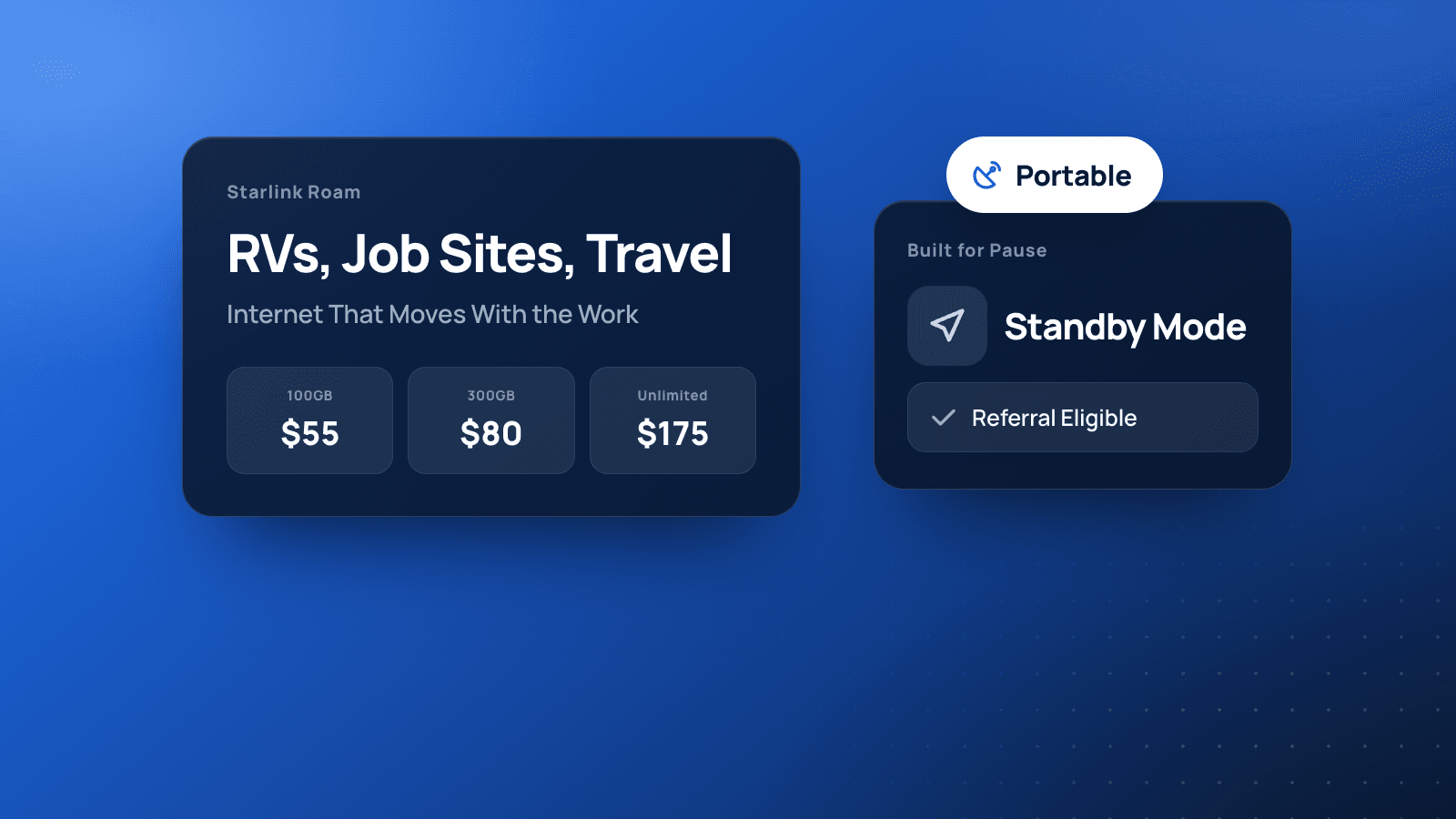
Starlink Roam is the plan built for dishes that move. RVs, vans, travel trailers, temporary job sites, markets, and festival booths all need internet that is not tied to one cable drop. Roam gives you portable service, optional pause with Standby Mode, and (on eligible personal accounts) the same $100 referral path as Residential.
Here is how to size a Roam tier, use it on the road, and order without missing the referral.
Order Starlink Roam with our referral link
Roam Pricing and Data Tiers (U.S., 2027)
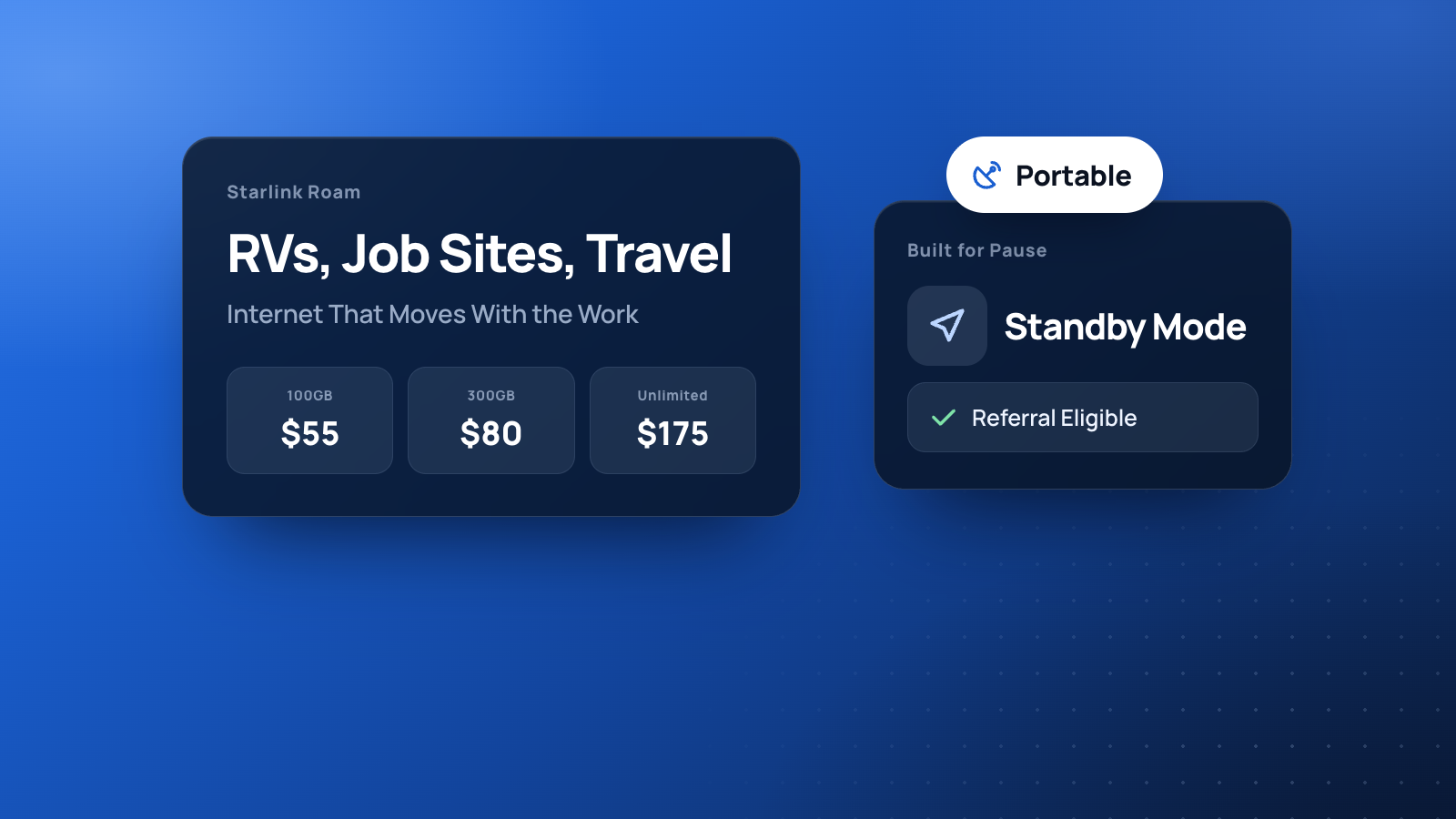
- Roam 100GB: $55/month
- Roam 300GB: $80/month
- Roam Unlimited: $175/month
Hardware is separate. Taxes apply. Full cost breakdown: Starlink pricing 2027.
How to pick a tier:
- 100GB: light email, maps, payments, and occasional video calls. Easy to blow past with nightly streaming.
- 300GB: remote work with regular calls, cloud sync, and some streaming. The common sweet spot for full-time RVers who are careful.
- Unlimited: households or crews that stream, upload camera footage, or work online all day without watching a meter.
RVs, Vans, and Travel Trailers
Roam is the plan most travelers land on because the service address is not the product. You take the kit with you, set up with a clear sky view at camp, and connect phones and laptops over the Starlink router Wi-Fi.
Practical tips:
- Sky view first. Tree cover at a pretty campsite can ruin speeds. A short move in the same park often fixes it.
- Power matters. Use shore power, a generator, or a battery system that can handle the dish and router.
- In-motion use needs a proper mount and kit support. Do not jury-rig a Standard dish on the highway and expect it to survive.
- Obstructions and weather still apply on the road. Flat, open lots outperform wooded parks.
Job Sites and Mobile Businesses
Contractors use Roam before utilities are permanent: pull plans from the cloud, run payroll apps, take card payments in a trailer office, and keep the crew on messaging. Mobile vendors use it when venue Wi-Fi cannot be trusted with a terminal.
A simple job-site kit:
- Roam plan sized to crew usage
- Dish with a clear southern/open sky (follow the app’s obstruction tool)
- Router on a small UPS or inverter
- Guest Wi-Fi password you can rotate between sites
If the dish will live at one shop forever, compare against Residential. If it is storm backup for a fixed storefront, see backup internet for Gulf South businesses.
Standby Mode: Pause When You Do Not Need It
Roam’s Standby Mode is the feature Residential shoppers envy. When the season ends or the trailer sits, you can pause active service instead of paying the full rate every month.
Referral warning: if you ordered through a referral link, stay fully subscribed for two billing cycles before you park in Standby. Dropping early typically cancels the pending $100 for both sides. Details: referral program guide.
Roam vs Residential (One-Minute Recap)
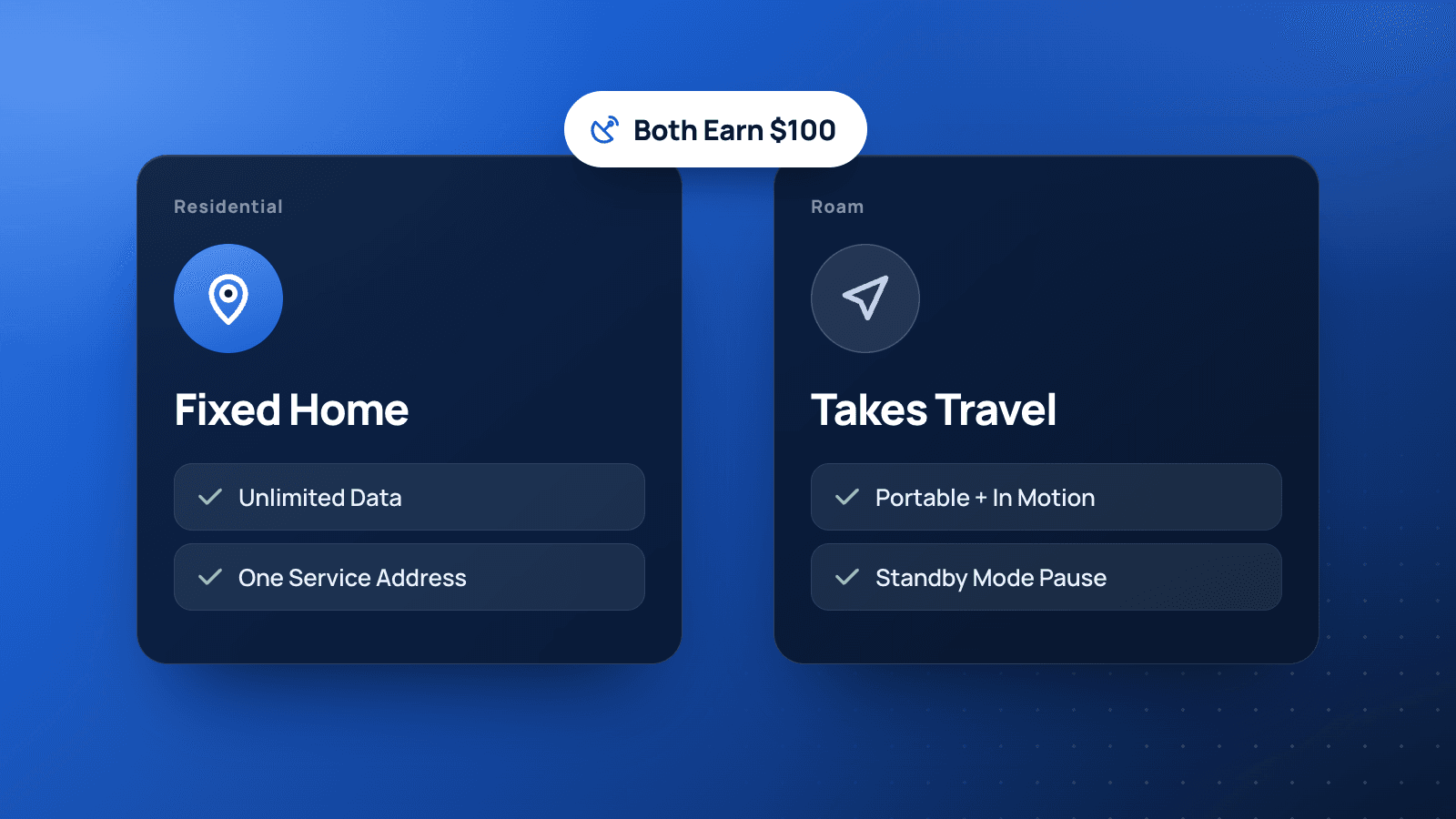
- Roam: portable, data tiers or Unlimited, Standby Mode, travel and job sites
- Residential: one address, unlimited data, household primary internet
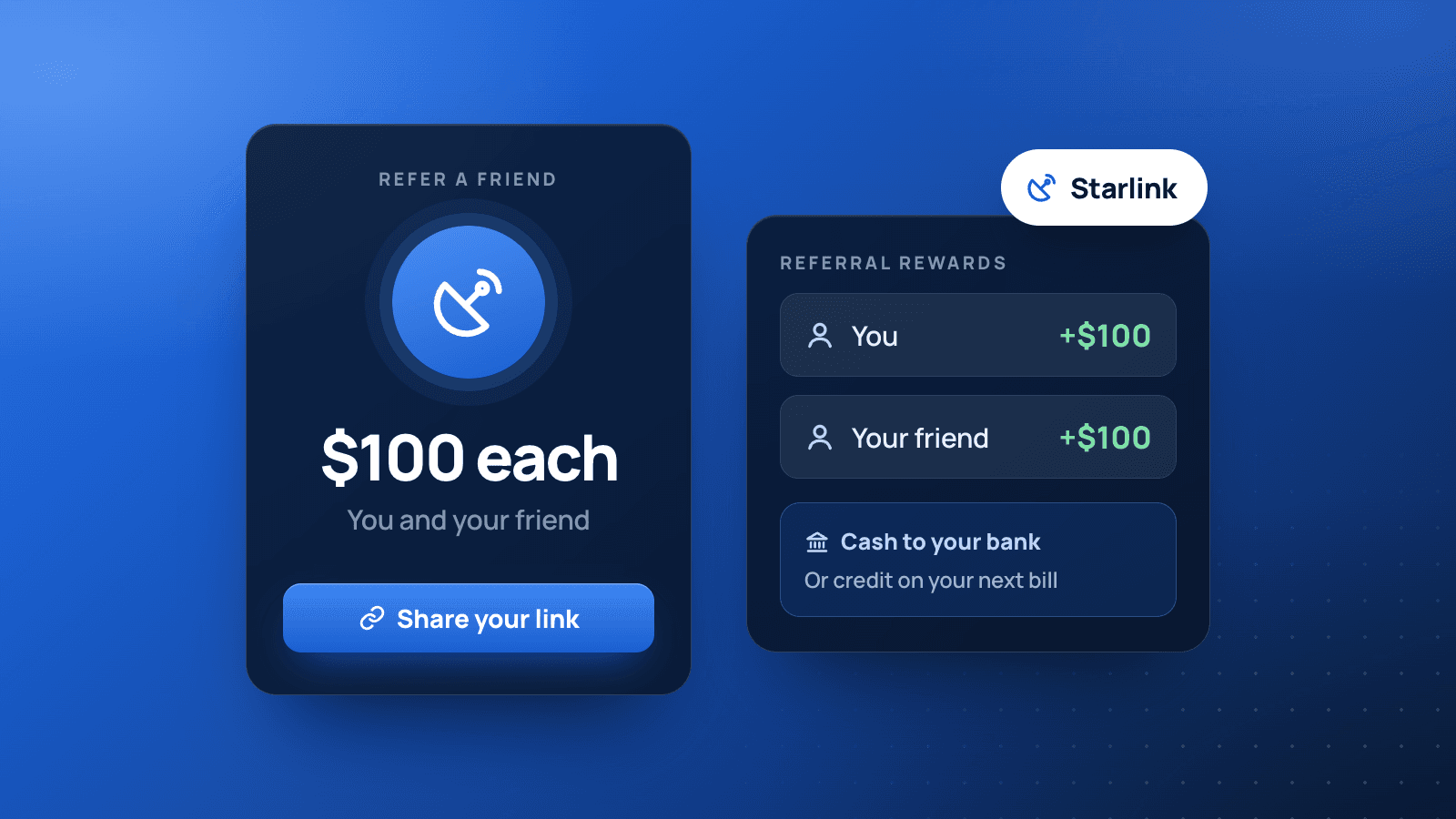
- Both: can qualify for the $100 referral on a personal signup
- Neither substitute for Business when you need an SLA and public IP for a storefront
Order Roam Without Missing the Referral
- Open our Starlink referral link before you shop
- Choose a Roam tier that matches your real data use
- Buy the kit on starlink.com (not a marketplace listing)
- Activate, stay paid up for two months, then collect $100 if you qualify
- After that window, use Standby Mode whenever the trip or job pauses
FAQ
Can I use Roam as my only home internet?
Yes, many people do. If the dish never moves, Residential is usually the cleaner unlimited fit at a similar or lower price. Compare both at your address.
Does Roam work internationally?
Roam products and roaming rules vary by region and plan. Confirm coverage and roaming terms in your Starlink account for the countries you visit.
Is Mini enough for an RV?
Mini is popular for travel because it packs small. Throughput and mounting differ from larger kits. Match the kit to how many devices and how much video you run.
Do Business plans include Roam-style travel?
Business is a different product line. If you need Business features, buy Business and do not count on the referral.
Related Guides
Take Roam on the Road
Size the data tier honestly, mount for sky view, and keep power stable. New customers who want the $100 after two months should order through:
https://starlink.com?referral=RC-DF-13325570-49573-0
Disclaimer: This post includes a BaseLynk Starlink referral link. BaseLynk may receive a reward if a new customer signs up through it and qualifies. BaseLynk is not affiliated with, endorsed by, or a reseller of Starlink or SpaceX. Reward amounts, eligibility, plans, and pricing are controlled by Starlink and can change without notice. Always confirm current terms and prices on Starlink’s site before you order. Starlink is a trademark of Space Exploration Technologies Corp.